Publishing Apps
So pumped you're here and want to publish an app! If you haven't done so already, check out the overview on community apps to get a better sense of what you're getting yourself into. You'll also want to check out the guide on authoring apps to get a better sense of how everything works together.
One final note before we hop in - you may want to check out the schema docs if you haven't already. Schema allows you to display options inside of the Tronbyt app so the user can configure your starlark applet.
Quick Start
Fork and clone the Tronbyt apps repo to your local machine, and then run the following from the local folder to generate everything you need!
Once created, edit apps/{{appname}}/{{app_name}}.star with your source code.
When you're ready to publish, run the following to ensure your app is ready:
Detailed Instructions
1. Fork the Tronbyt Community repo on GitHub
- Community apps are published by making a Pull Request to the apps repo here: https://github.com/tronbyt/apps
- Start by forking the repo into your GitHub account.
- After forking you may want to checkout to a new branch to avoid any headaches, and to not have to merge off the main branch of your forked repo.
2. Clone the apps repo to your local machine
3. Create your app
- Run
pixlet createvia the terminal
This should be run from the 'community' repo folder on your local machine. You will be prompted for the relevant information about your app and the required files and folders will be generated.
$ pixlet create
Name (what do you want to call your app?): Tides
Summary (what's the short and sweet of what this app does?): Tide charts
Description (what's the long form of what this app does?): Daily tide charts for your location.
Author (your name or your Github handle): Mark Spicer
Please note:
- Name: The App Name can contain spaces but should not have any numbers
- Summary: This should be a VERY brief summary of what the app does. (27 characters or less!)
- Description: This is a longer description of what the app does.
Example App
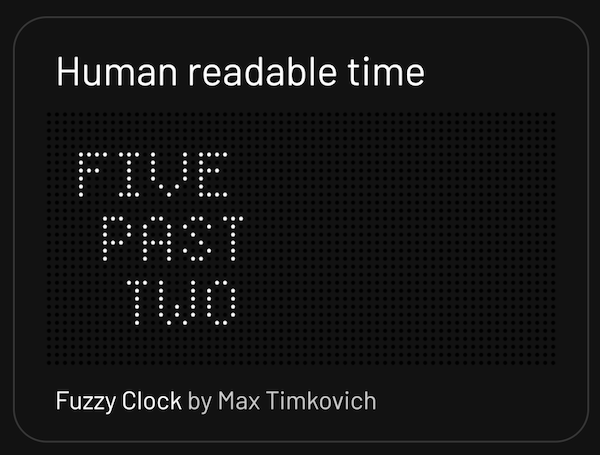
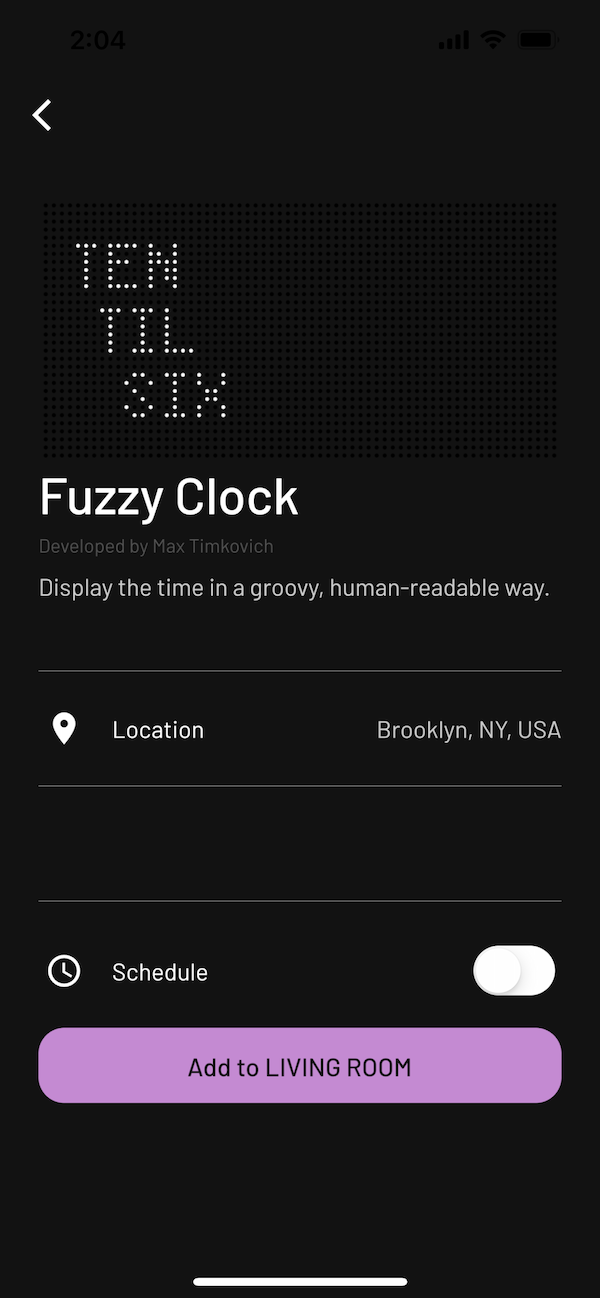
In this example, the fields map as follows:
- Name: Fuzzy Clock
- Summary: Human readable time
- Description: Display the time in a groovy, human-readable way.
- Author: Max Timkovich
Run your App
Preview your App in your browser at http://localhost:8080/ by running:
Generate a Screenshot
You can generate an enlarged screen render by entering:
4. Making a PR
Before submitting your app, run pixlet check apps/{{appname}}/{{app_name}}.star to check your code for errors.
When you go to make a PR, give us a little background on what your app does. In addition, include a render from the following command so we can ooh-ahh: